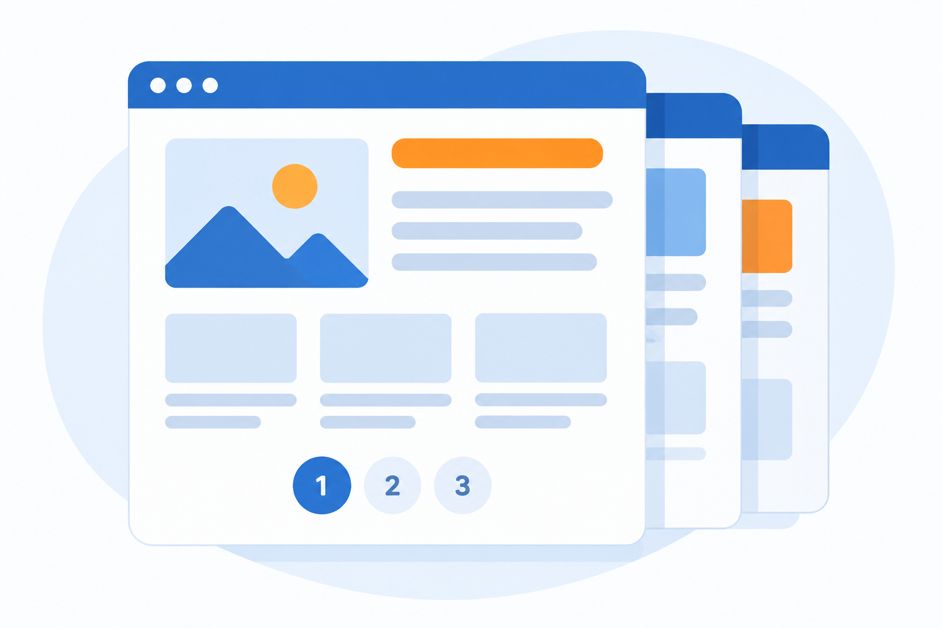
If your blog archive, product category, or project gallery spans “Page 1, 2, 3…” you’re using pagination. Done well, it’s invisible. Done badly, it hides your best content from Google and frustrates visitors. Here’s what every small business owner should know.
What Is Pagination?
Pagination splits a long list of content into numbered pages. Instead of loading 200 blog posts at once, your site shows 10 per page with links to the next ones. It keeps pages fast and easy to scan.
Why It Matters for SEO
Google discovers deeper content by following links. If page 4 of your product list isn’t linked in a crawlable way, the items on it may never be found. Pagination also creates many similar-looking pages, so how you set it up affects what gets indexed.
Best Practices
- Use real links. Each page number should be a normal HTML link (
<a href>). Google doesn’t click buttons or scroll like a person, so “Load more” buttons that need JavaScript can hide content. - Give each page its own URL. Something like
/blog/page/2/works. Avoid URLs that never change as users move through pages. - Self-referencing canonicals. Each paginated page should point its canonical tag to itself. Pointing every page to page 1 tells Google to ignore the rest.
- Don’t noindex deeper pages. Long-term noindex can make Google stop following links on them.
- Keep the page count reasonable. Show enough items per page so important content isn’t buried 15 clicks deep.
- Add strong internal links. Link your best posts and products from your homepage or navigation so they don’t depend on page 9.
A Note on rel=prev/next
Google confirmed it no longer uses rel="prev" and rel="next" as an indexing signal. They’re harmless, but crawlable links are what count.
Infinite Scroll and “View All”
Infinite scroll feels modern, but it needs a paginated fallback with real URLs so Google can reach everything. A “view all” page can work for short lists, but gets slow with big ones.
Quick Check
- Open your blog or category page and click through to page 2.
- View the page source and confirm the page links are real links.
- Use Google Search Console’s URL Inspection on page 2 to confirm the canonical is itself.
- Make sure your XML sitemap includes your individual posts and products.
Need a Hand?
Technical details like these are easy to get wrong and hard to spot. Ignitr Digital builds fast, search-friendly websites with clean structure from day one. See our pricing or reach out and we’ll take a look at your site.
Leave a Reply